Log into your EMS account online. Need help logging in?
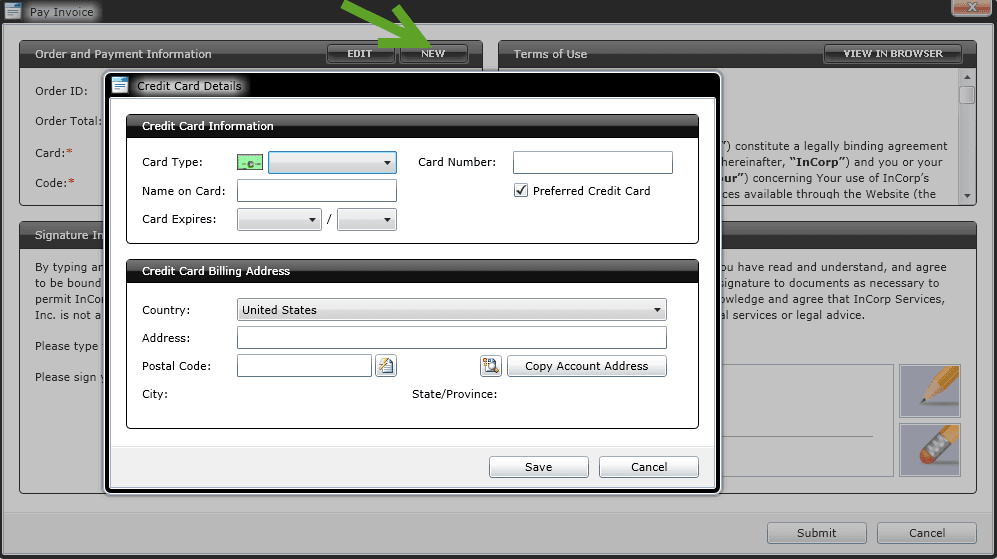
On the left of your Dashboard there is a notification of any unpaid invoices. If you have any unpaid invoices, you can click the Pay Now button next to the notification.
This will load the Entity Management System and your online account. If there is any security information missing from your account you may be prompted to provide more information.
For more than one invoice and to view the details of the invoice prior to payment, choose the Accounting tab. If the Accounting screen is blank (all white) please make sure the zoom level on your browser is set to 100%. Zoom can usually be found in the bottom right or top right corner of the window. You may then click on each invoice number to see the invoice itself and click the Pay Now button next to any pending invoices to process your payment.